To use the system, valid user registration and subsequent login are required. During login, the system verifies the provided data; if correct, the user is granted access to the system's services. In case of a forgotten password, there is an option to request a temporary one. The registered data can later be modified anytime through the system’s About feature.

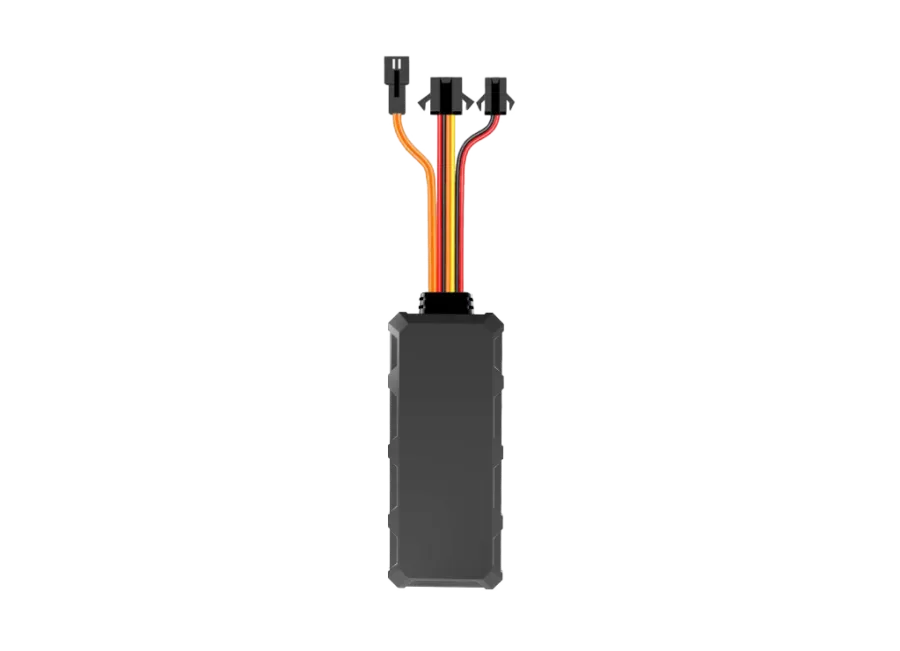
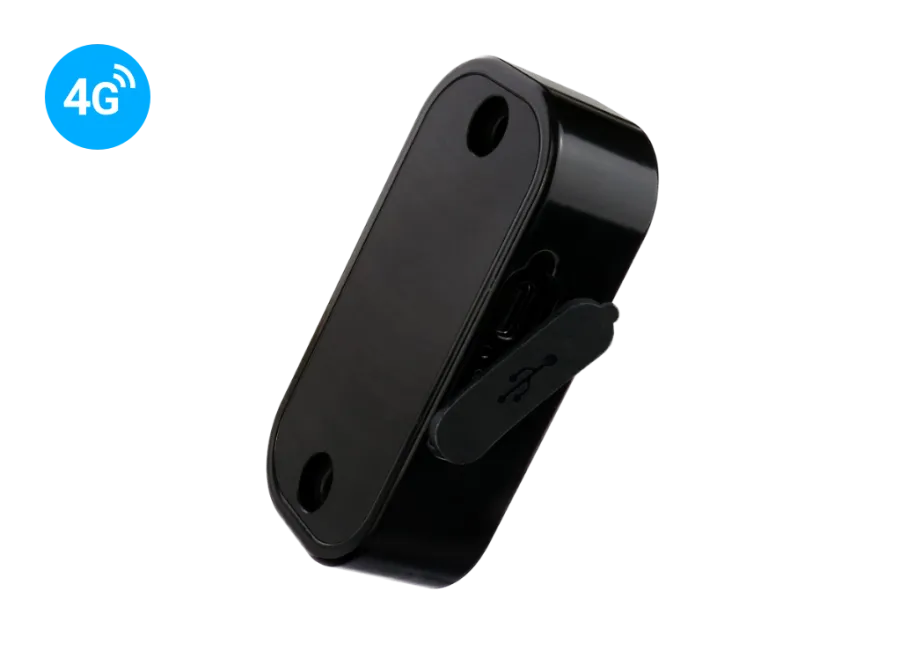
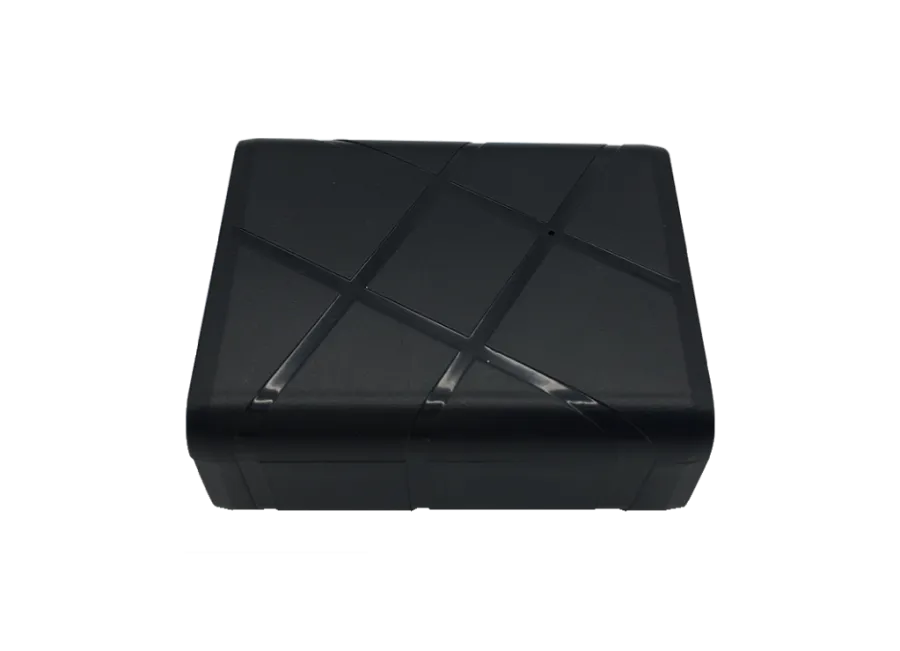
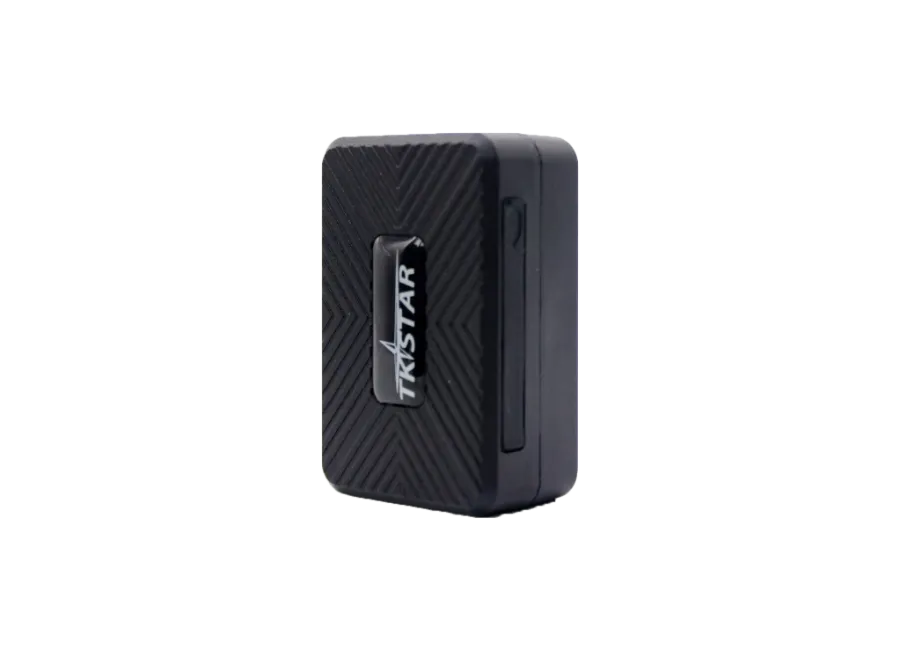
NINGMORE NT21N-CAT1 4g lte vehicle gps tracker
Brand: NINGMORE
Product code: NT21NCAT1
EAN: 5999568891869
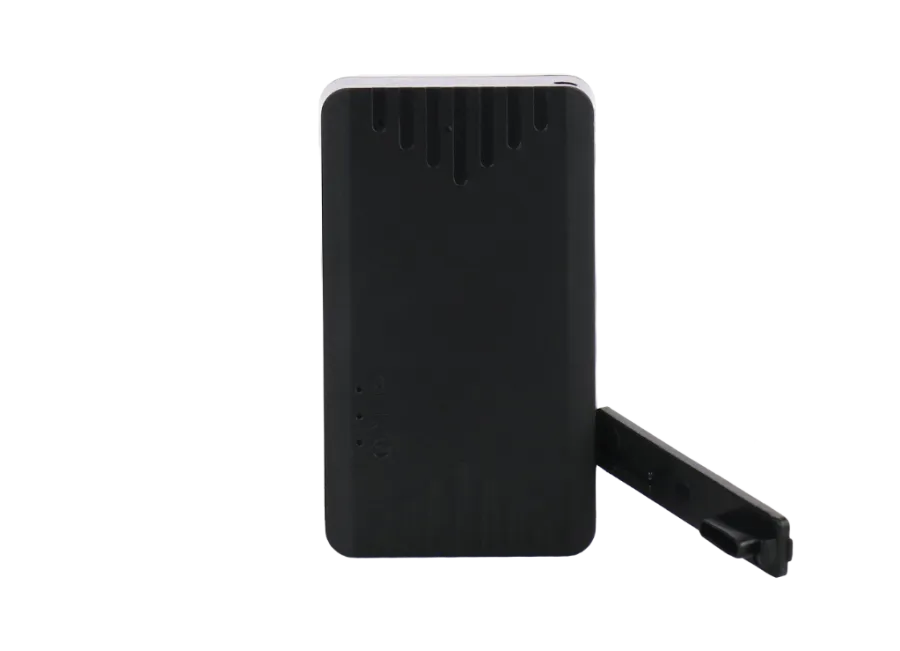
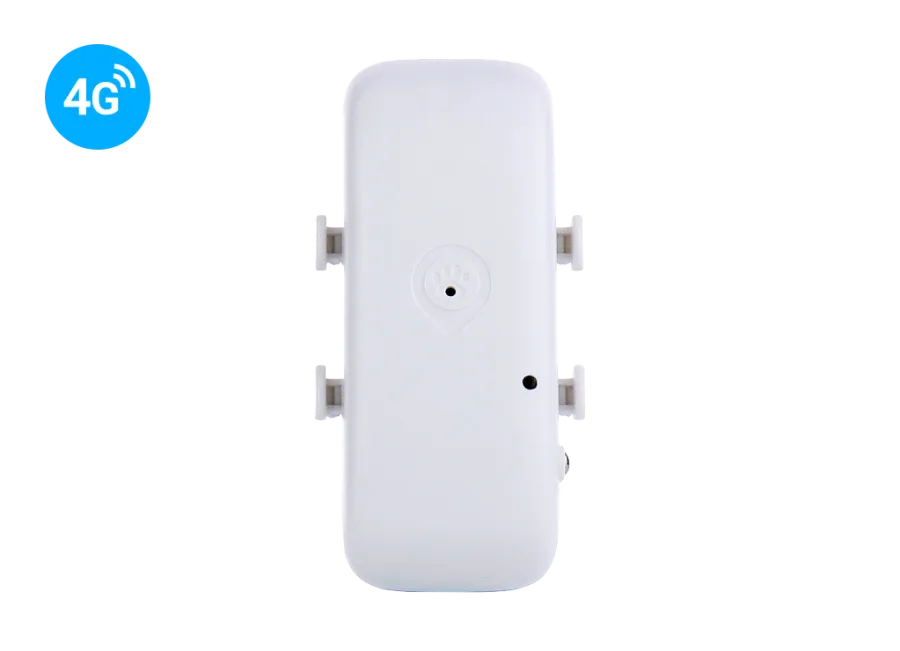
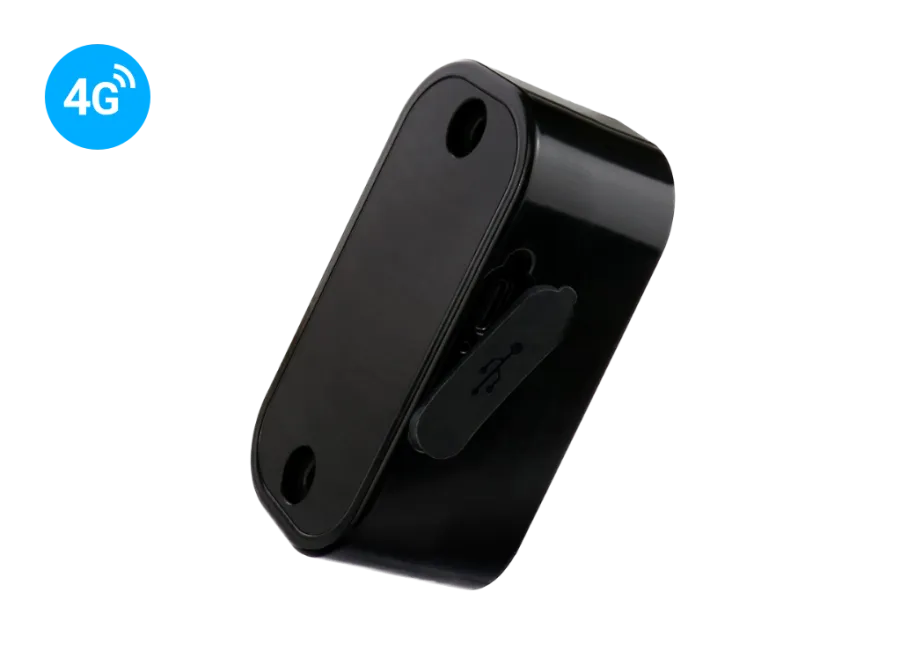
NINGMORE NT21N-CAT1 4G LTE vehicle GPS tracker The NINGMORE NT21N-CAT1 is a hard-wired GPS tracker operating on the 4G LTE network, offering continuous power supply, ignition detection, and relay-controlled engine immobilization. Its built-in battery allows it to continue functioning even after power interruption. Ideal for tracking cars, commercial vehicles, electric motorcycles, and scooters. With an optional SOS button, it can also provide emergency alerts. More information
0
$
(0
$ + 1% VAT)
RRP price: 58,57 $
-
In stock0 pcs
-
Personal receiptFree
-
Expected delivery-
-
Guarantee24 months
-
Home delivery-
-
Location of goodsHungary
Device description
NINGMORE NT21N-CAT1 4g lte vehicle gps tracker
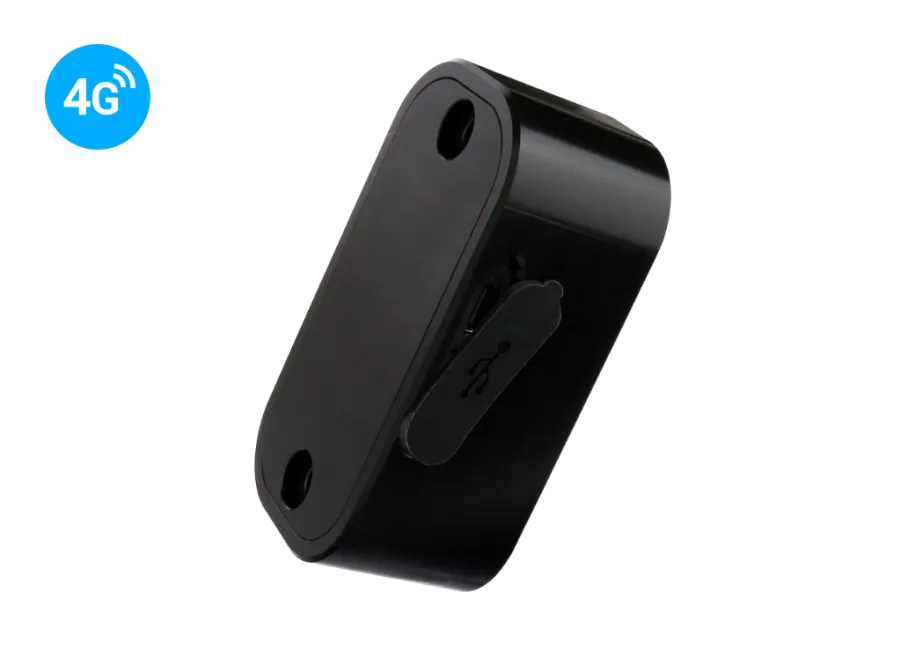
The NINGMORE NT21N-CAT1 is an advanced vehicle tracking device with permanent power supply, operating on the 4G LTE (Cat 1) network. It combines accurate positioning, alert functions, and remote control. Its wide 9–95 V DC input range makes it suitable for cars, commercial vehicles, buses, motorcycles, and electric scooters. The device supports ignition detection (ACC), remote engine immobilization (via relay), and optional SOS button or door sensor connectivity.
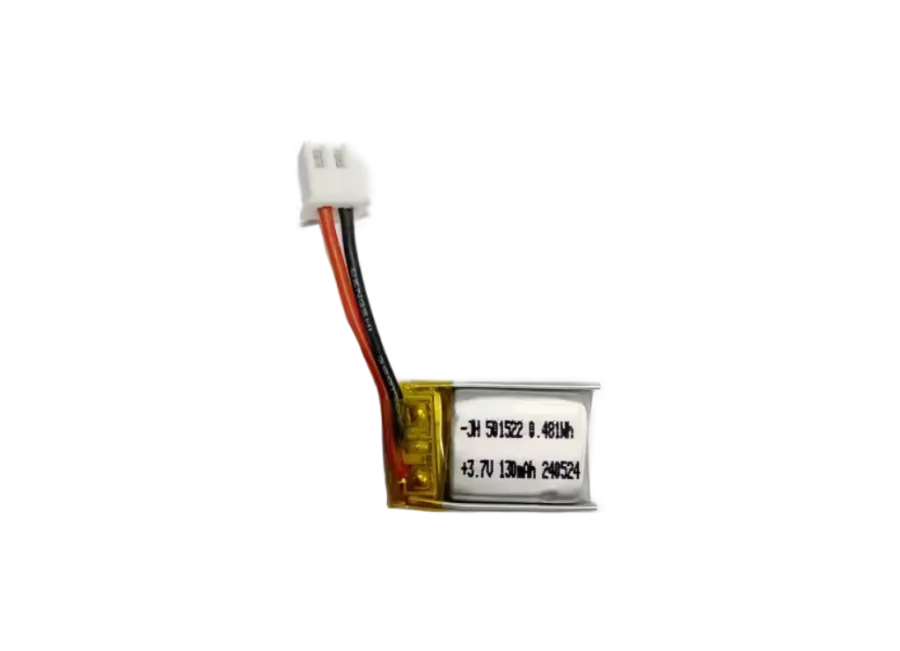
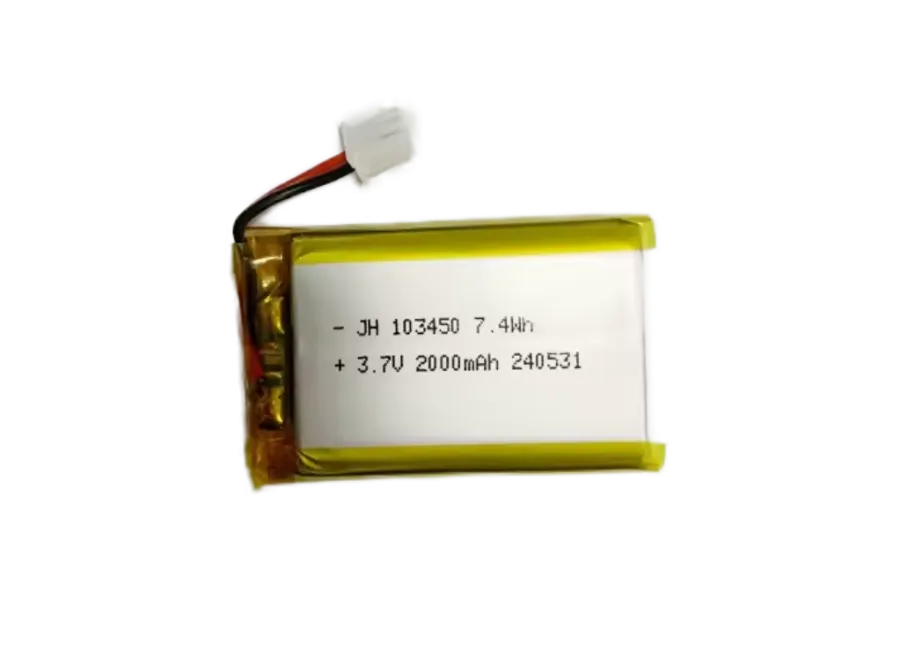
The built-in 3.7 V / 60 mAh Li-pol battery ensures operation even during power loss and sends an instant alert.
Features & functions
- 4G LTE (Cat 1) + 2G GSM support
- Wide input voltage range: 9–95 V DC
- Permanent wiring – no external battery required
- Integrated backup battery (3.7 V / 60 mAh)
- ACC ignition detection
- Remote engine immobilization (via SMS/software)
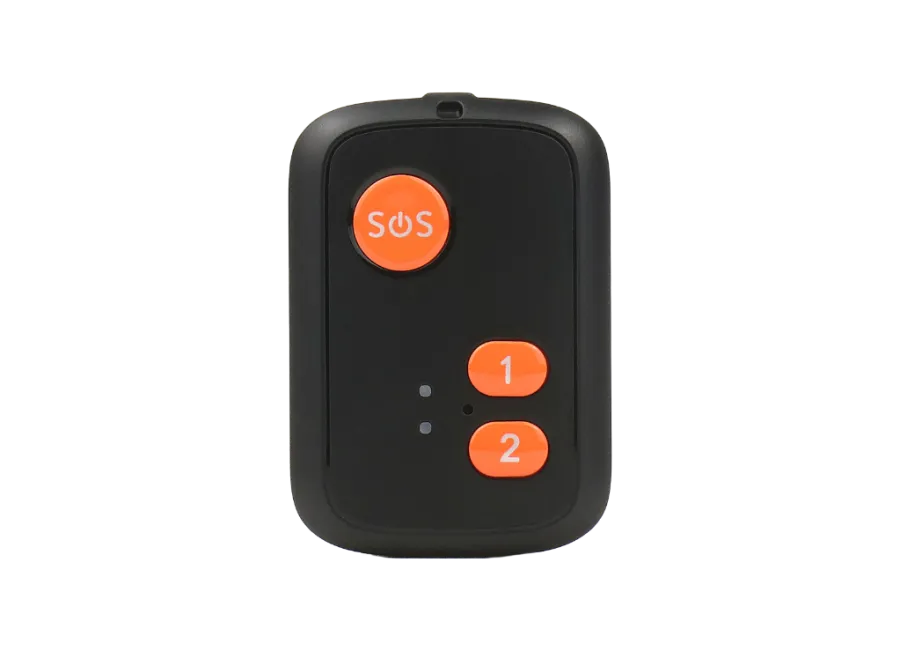
- Optional SOS button
- Optional microphone & door sensor
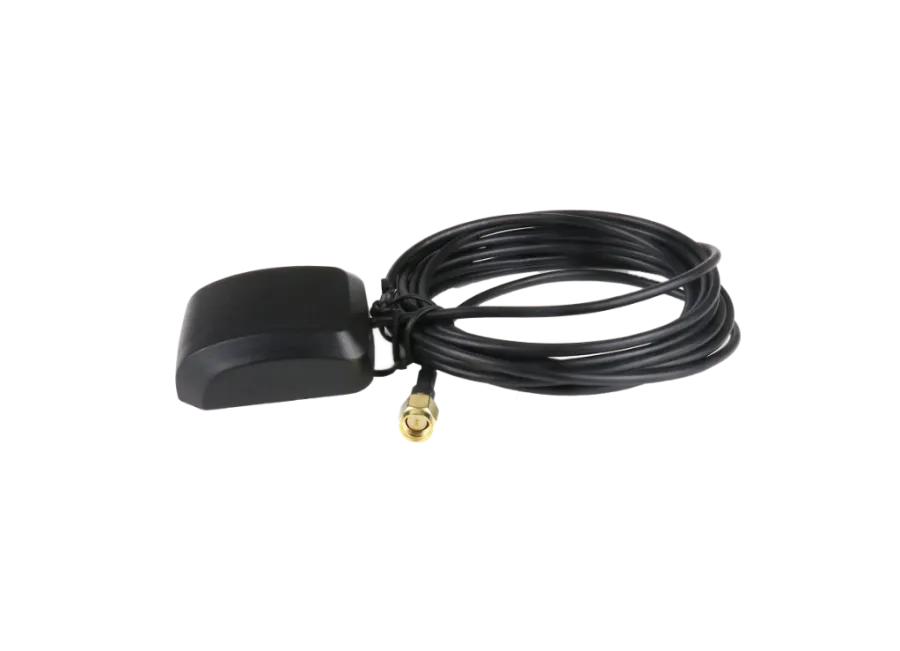
- Built-in GPS & GSM antennas
- GPS accuracy ≤ 5 m
Alerts
- Ignition change (ACC)
- Movement / vibration
- Overspeed
- Main power cutoff
- SOS emergency alert
- Geo-fence
Package contents
- NINGMORE NT21N-CAT1 4G LTE GPS tracker
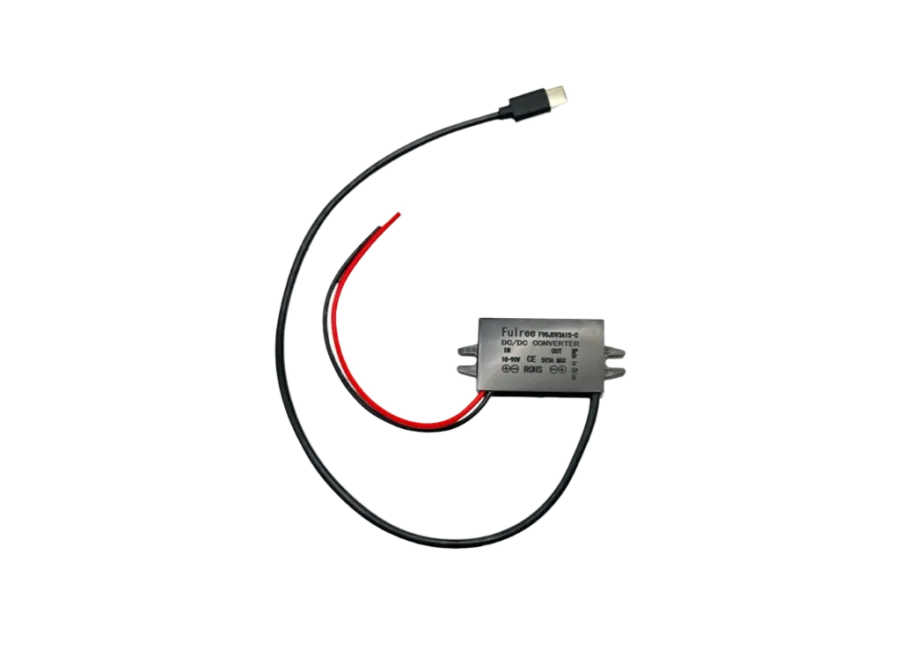
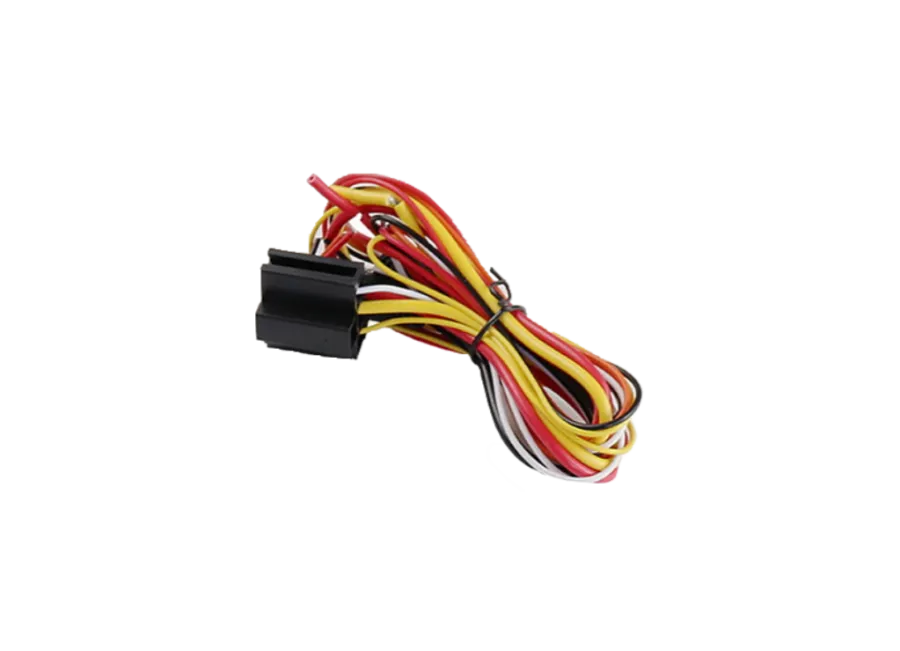
- Installation wiring
- User manual
Usage conditions
The device requires active connection to satellite positioning systems and GSM/4G networks. It uses a nano SIM with data and SMS. Position can be queried via SMS or online.
Operating regions
- 4G: Global
- 2G: Europe, Asia, Africa, Australia
Purchase options
- Device only – factory settings; SIM and maintenance handled by the user.
- Device + software – configured and registered, without SIM.
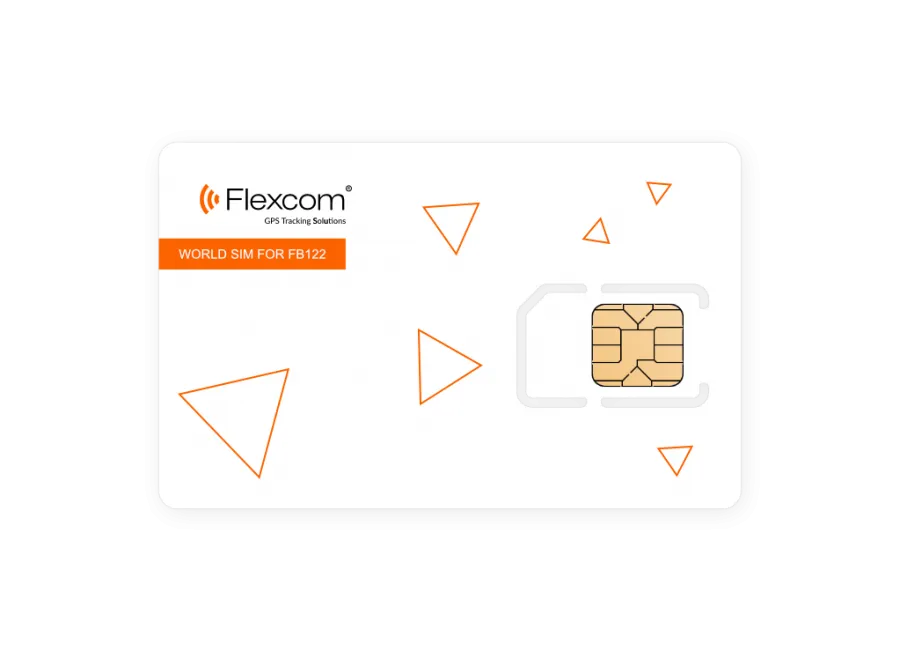
- Device + software + SIM – fully ready to use; SIM maintenance provided by us.
SMS alerts require an additional SMS credit package.
We strive to ensure the continuous update and accuracy of the data and images displayed on the website. However, please note that the manufacturer reserves the right to modify product specifications or packaging without prior notice. As a result, the actual appearance of the products may differ slightly from the images shown. We reserve the right to accept manufacturer changes regarding potential discrepancies.
View full description CloseParameters
| Design | |
|---|---|
| Width | 33 milimeter |
| Height | 16 milimeter |
| Length | 79 milimeter |
| Weight | 40 gram |
| Material | plastic |
| Ingress Protection Rating | IP65 |
| Color | black |
| Operation | |
| Operating temperature without battery minimum | -20 Celsius |
| Operating temperature without battery maximum | 75 Celsius |
| Battery charge temperature minimum | -20 Celsius |
| Battery charge temperature maximum | 55 Celsius |
| Battery storage temperature minimum | -40 Celsius |
| Battery storage temperature maximum | 85 Celsius |
| Operating humidity minimum | 5 % |
| Operating humidity maximum | 95 % |
| Cold start | 35 secundum |
| Warm start | 3 secundum |
| Hot Start | 1 secundum |
| Battery standby time | 10 hour |
| Battery operating time | 0.5 hour |
| GPS Sleep | yes |
| Online Deep Sleep | yes |
| Minimum data upload frequency | 10 secundum |
| Data upload frequency is maximum | 43200 secundum |
| Immobilizer Via SMS | yes |
| GPS | yes |
| Energy | |
| Internal battery | yes |
| Backup battery capacity | 60 mAh |
| Backup battery voltage | 3.7 V |
| External power source | yes |
| Input (DC) voltage minimum | 9 V |
| Input (DC) voltage maximum | 95 V |
| Power consumption Online Sleep | 3 mA |
| Power consumption GPS Sleep | 10 mA |
| Power consumption Nominal | 35 mA |
| Interface | |
| Internal GSM antenna | yes |
| Internal GPS antenna | yes |
| Microphone 3.5 jack plug input | yes |
| Digital input number(s) | 1 |
| Digital output number(s) | 1 |
| SOS button | yes |
| GSM LED | yes |
| GPS LED | yes |
| Internal GNSS antenna | yes |
| Communication | |
| GPS | yes |
| BEIDOU | yes |
| AGPS | yes |
| Sensitivity | -159 dBm |
| GNSS channel number | 32 |
| Accuracy | 10 meter |
| GSM module | AT6558R |
| 2G Operating Region: World | yes |
| 2G Operating Region: Middle East | yes |
| 2G Operating Region: North America | yes |
| 2G Operating region: South America | yes |
| 2G Operating region: Europe | yes |
| 2G Operating region: Asia | yes |
| 2G Operating region: Africa | yes |
| 2G Operating Region: Australia | yes |
| 2G Operating Region: Asia Pacific | yes |
| 4G network | yes |
| 4G Operating Region: World | yes |
| 4G Operating region: Middle East | yes |
| 4G Operating region: North America | yes |
| GPS module name | @:P_A7670SA |
| 4G Operating region: South America | yes |
| 4G Operating region: Europe | yes |
| 4G Operating region: Asia | yes |
| 4G Operating region: Africa | yes |
| 4G Operating Region: Australia | yes |
| 4G Operating Region: Asia Pacific | yes |
| 4G lte | yes |
| FDD 4G Band 1 | yes |
| FDD 4G Band 2 | yes |
| FDD 4G Band 3 | yes |
| FDD 4G Band 4 | yes |
| FDD 4G Band 5 | yes |
| FDD 4G Band 7 | yes |
| FDD 4G Band 8 | yes |
| FDD 4G Band 28 | yes |
| FDD 4G Band 66 | yes |
| SOS button call and message | yes |
| SMS | yes |
| GSM 850 | yes |
| GSM 900 | yes |
| GSM 1800 | yes |
| GSM 1900 | yes |
| SIM card nano | yes |
| Accessory | |
| Power cable | yes |
| Power cable with connector | yes |
| Relay | yes |
| Fuse | yes |
| Sensor | |
| Accelerometer | yes |
| Door opening sensor | yes |
| Removal detection sensor | yes |
| Alarm | |
| Quick speed alarm | yes |
| Digital fence entry alarm | yes |
| Removal alert | yes |
| Data storage | |
| Internal memory | 4 Megabyte |
| Certificate | |
| CE/RED | yes |
| RoHS | yes |
| FCC | yes |
| Built-in function | |
| Acceleration measurement | yes |
| Ignition detection from accelerometer | yes |
| Ignition detection from external power voltage | yes |
| Setting option | |
| Via SMS | yes |
| Via Internet | yes |
Tracking Software Application
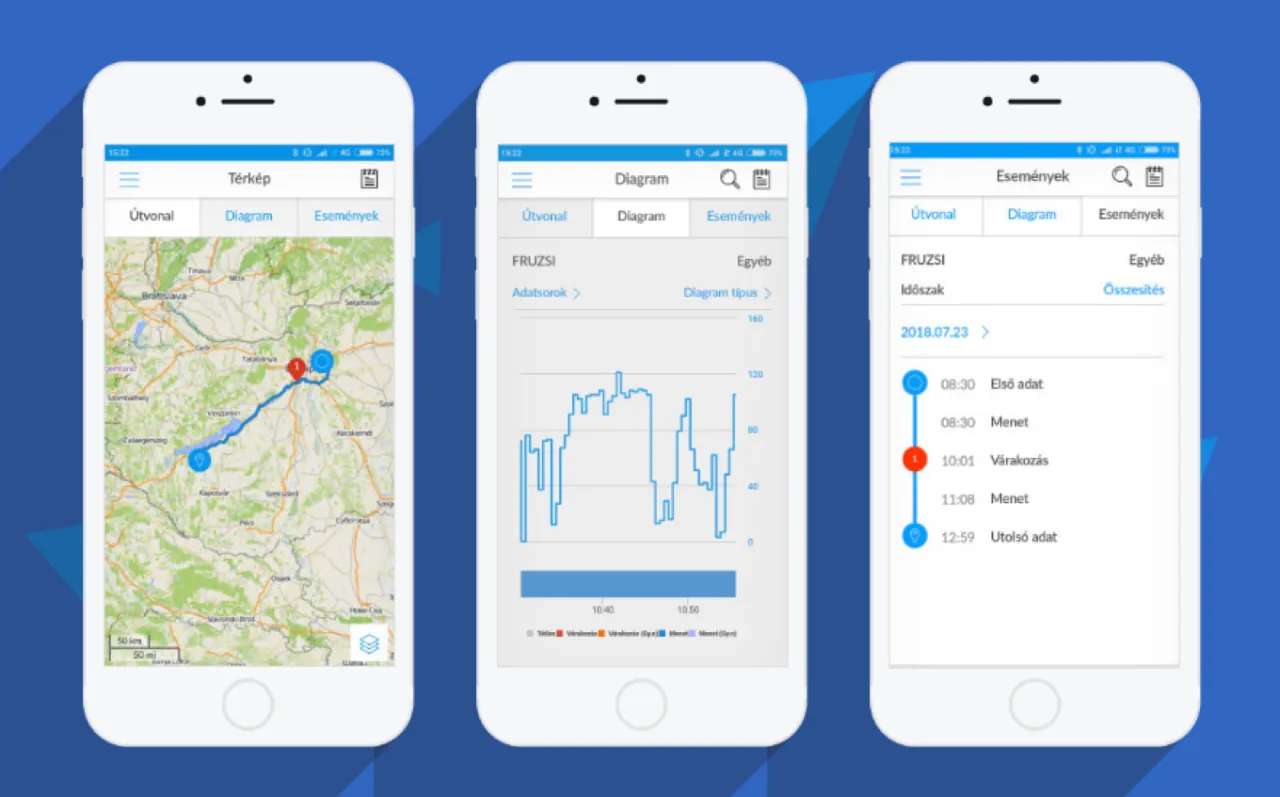
Flexcom tracking software provides professional services that allow you to determine at any moment where the monitored asset (vehicle, machine, cargo, or valuable equipment) is located, where it is heading, and what route it has taken. All of this can be tracked on an interactive map, and related status reports can be displayed and queried in text format – even retroactively for any specified period. In addition to basic functions, POI points can be added and alerts can be set.
The software works with various types of tracking devices, from fixed onboard units to mobile, installation-free models. No special IT skills or software installation are required to operate the devices and use the map service – any modern computer, tablet, or smartphone with an internet connection is sufficient.
Key Features
Do you want to achieve truly high-level GPS tracking?
-
Map Display
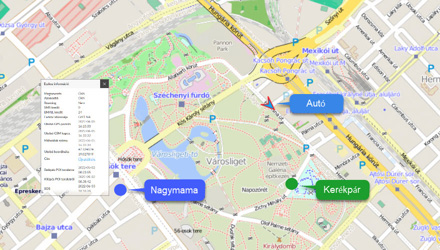
You can track your devices on various types of zoomable maps and check their status and surroundings.
-
Real-time Tracking
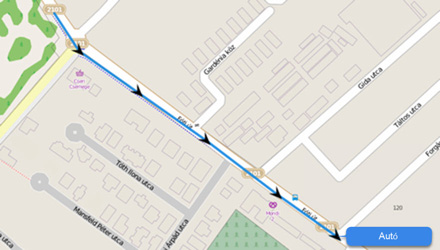
You can continuously monitor the movement of your fleet and receive real-time information about their current position.
-
Route Playback
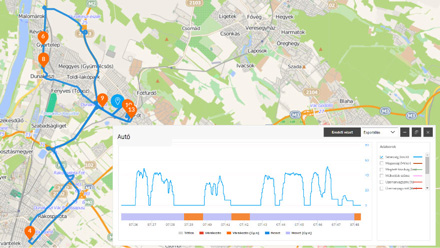
Review previously traveled routes of vehicles: road segments, stop points, and related data. You can also create graphical analyses for them.
-
Device Information
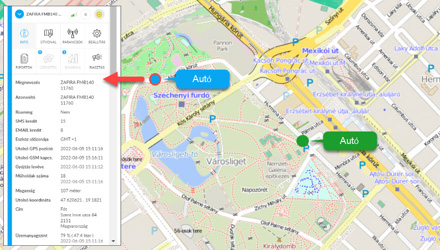
Up-to-date information on the status of devices and operating parameters of vehicles (e.g., ignition, speed).
-
Alerts
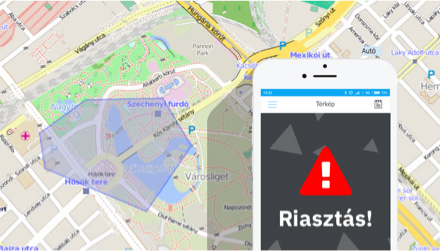
You can receive immediate notifications via email or SMS about events related to the device or vehicle – for example, movement, leaving a POI zone, towing, ignition, low battery, SOS signal, etc.
-
POIs
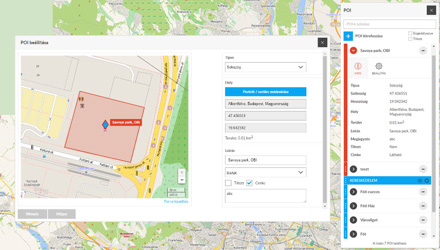
Add points and areas important to you on the map. You can set alerts for them or display data in reports (e.g., trip log) in the system.
Demo Videos
- Customer Management
System Access
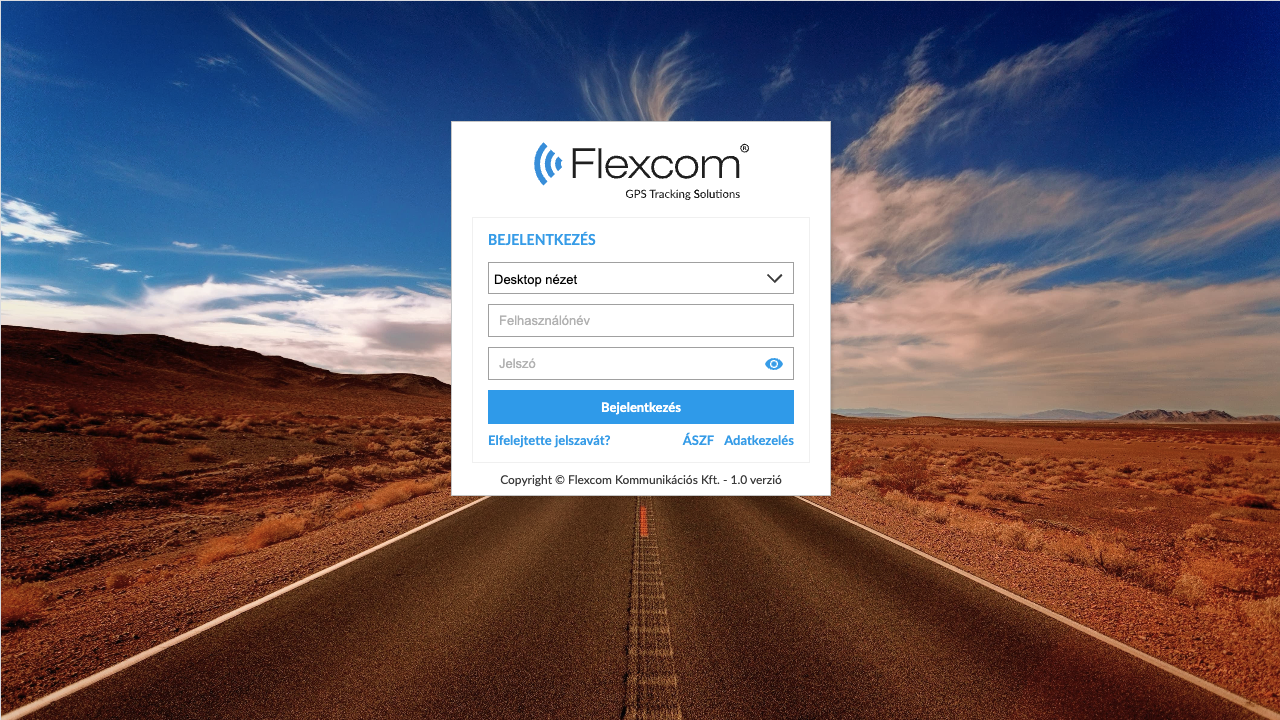
- Map Usage
Map Types and Functions
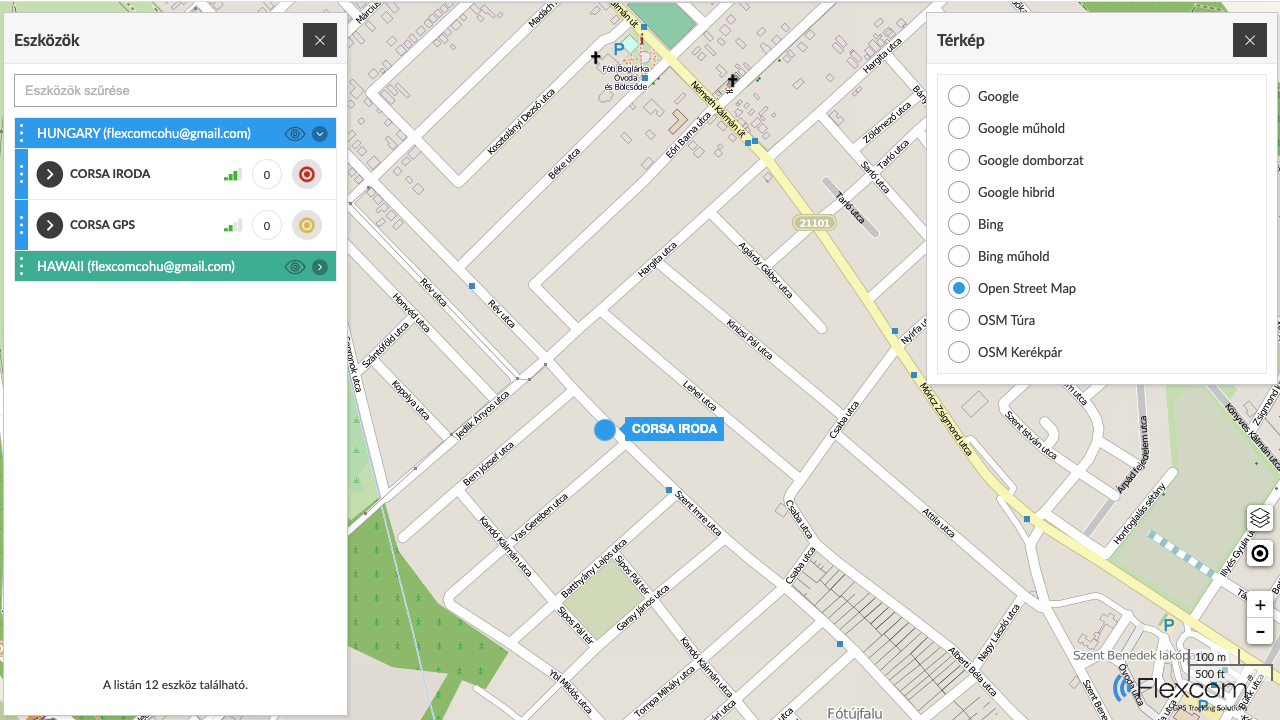
The map is a core element, serving as the "background" of the system. During tracking, several map types can be used, such as versions specialized for road networks, hiking, or cycling paths in the case of Open Street Map.
- Device Management and Tracking
Retrieving Device Information
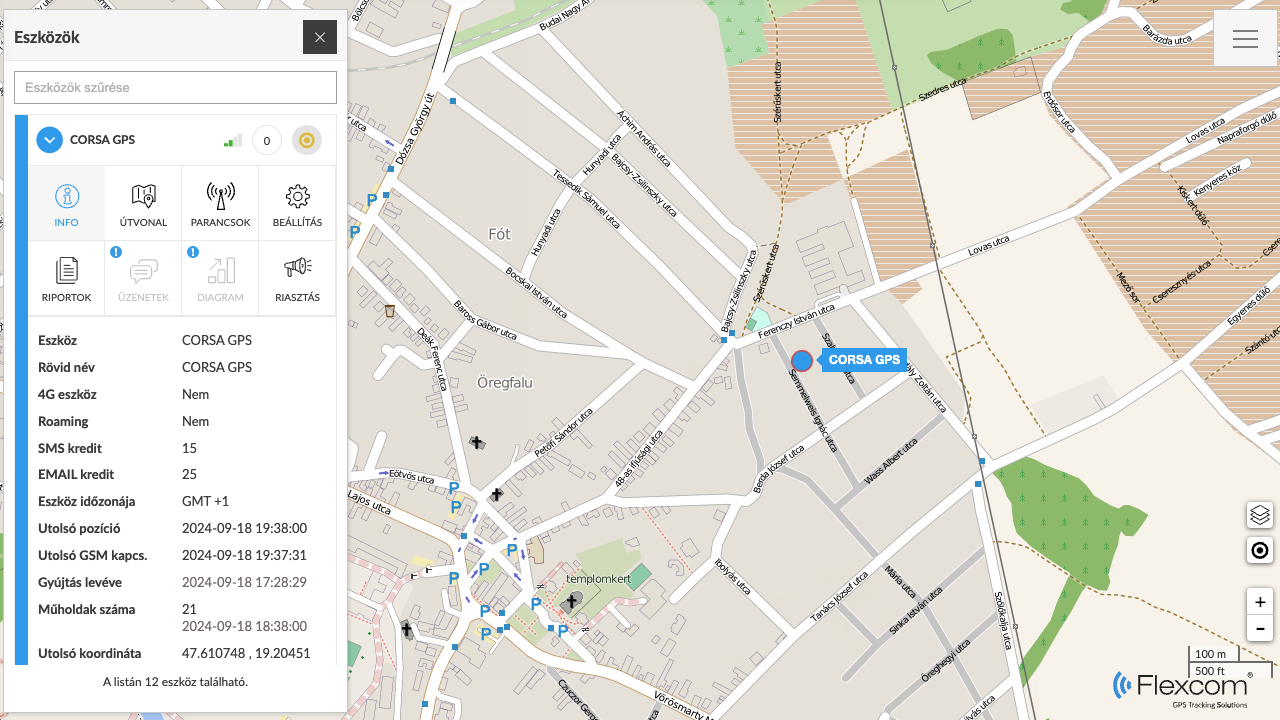
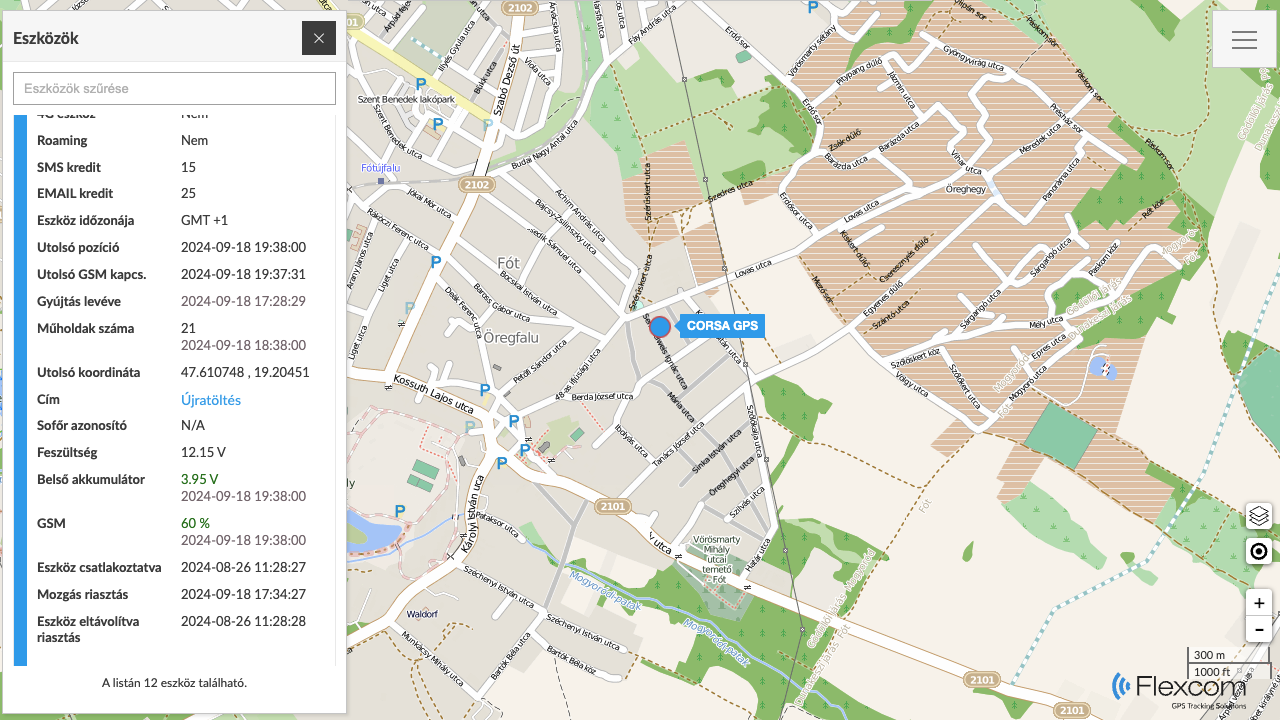
After successful login, the system displays our devices on the map. In addition to real-time tracking of their movements, selecting any device will provide detailed information:
- About the device's position (coordinates and address)
- About the device and network characteristics (e.g., battery level, GSM, and satellite connections)
- About the physical (e.g., fuel, battery, odometer) or health conditions (e.g., blood pressure, pulse, body temperature) of the vehicle or person carrying the device.
 Displaying Route
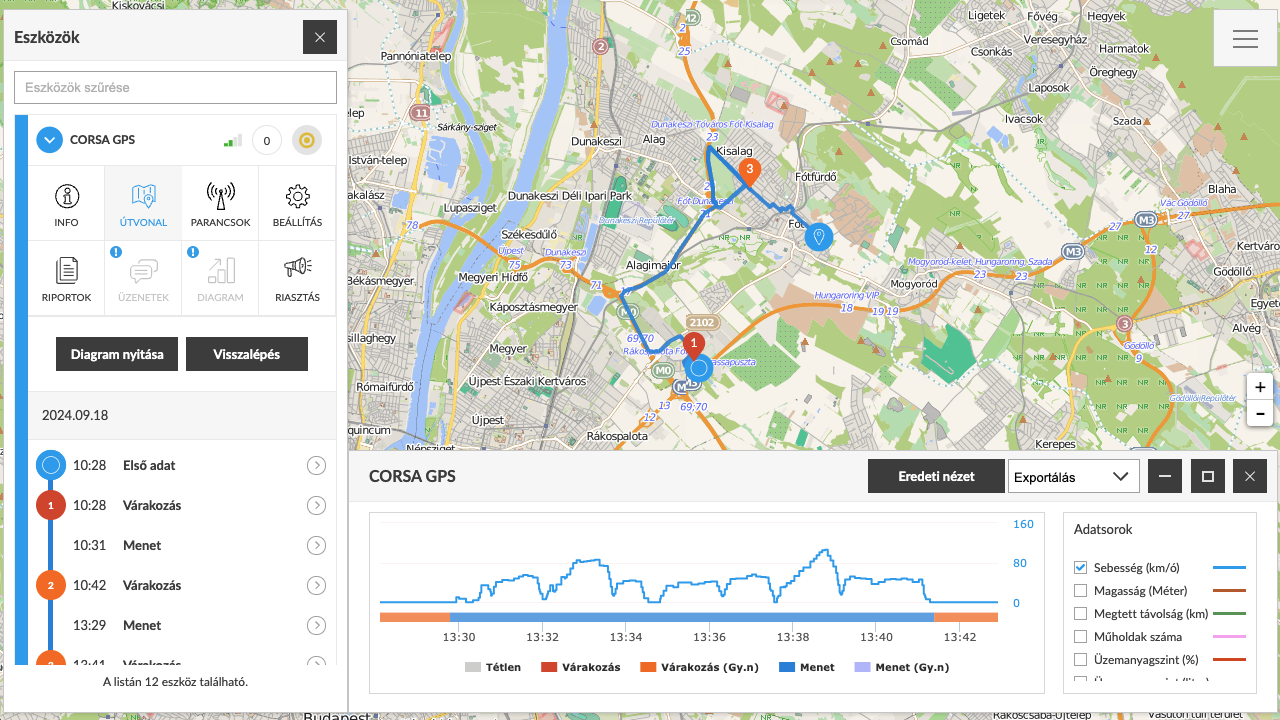
With the tracking system, not only can we see current events, but past events related to the devices and their carriers can also be reconstructed. The route of a selected device for a specified period can be retrieved. The system displays the route and related event points on the map and provides detailed information: how long it took to travel each segment, the speed, distance covered, waiting points, and the duration of stops.
 Device Settings
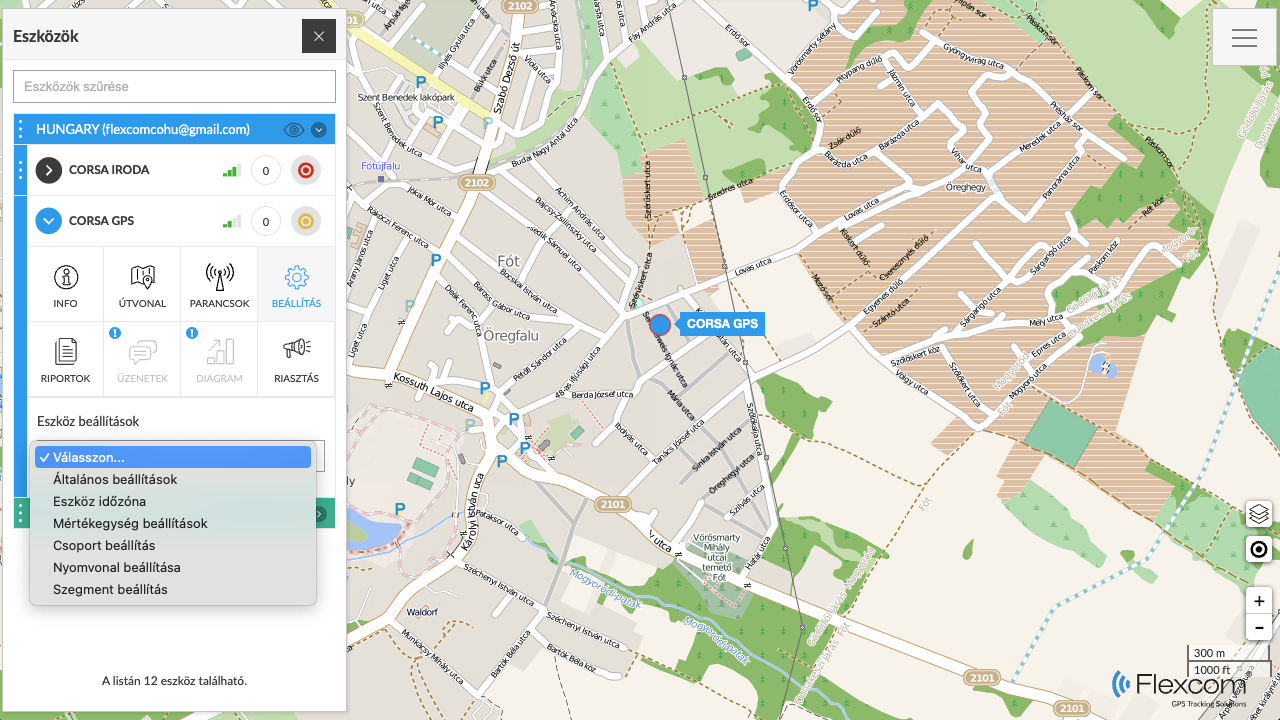
We can set how the central system manages our devices and the incoming data. Devices can be grouped, labeled, and color-coded on the map. The system can be configured with measurement units (e.g., kilometers or miles), how it detects device movements, and which time zone to use.
 Alerts
The system can send notifications (alerts) regarding certain events detected by or involving the tracking devices. Alerts can be set up for each device. For smartwatches, a special alert function is the SOS call and message, which the devices execute by calling preset phone numbers and sending emails and/or SMS messages.
 Commands
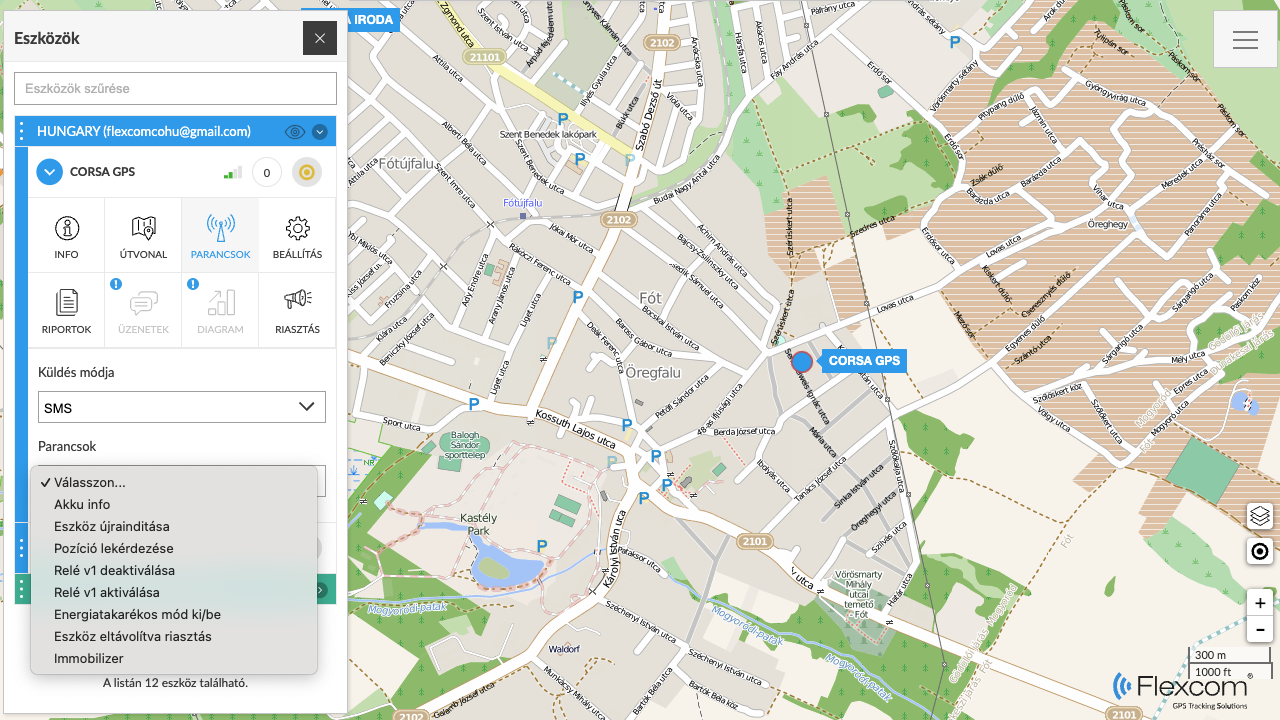
The entire system consists of the tracking devices and the tracking software. As technical equipment, the devices have their own operations, such as determining position frequency, contact numbers, alarm clock, or time zone settings, issuing sound signals to locate, remote shutdown, etc. These settings and actions can be executed through the software's Command Sending feature.
 Reports
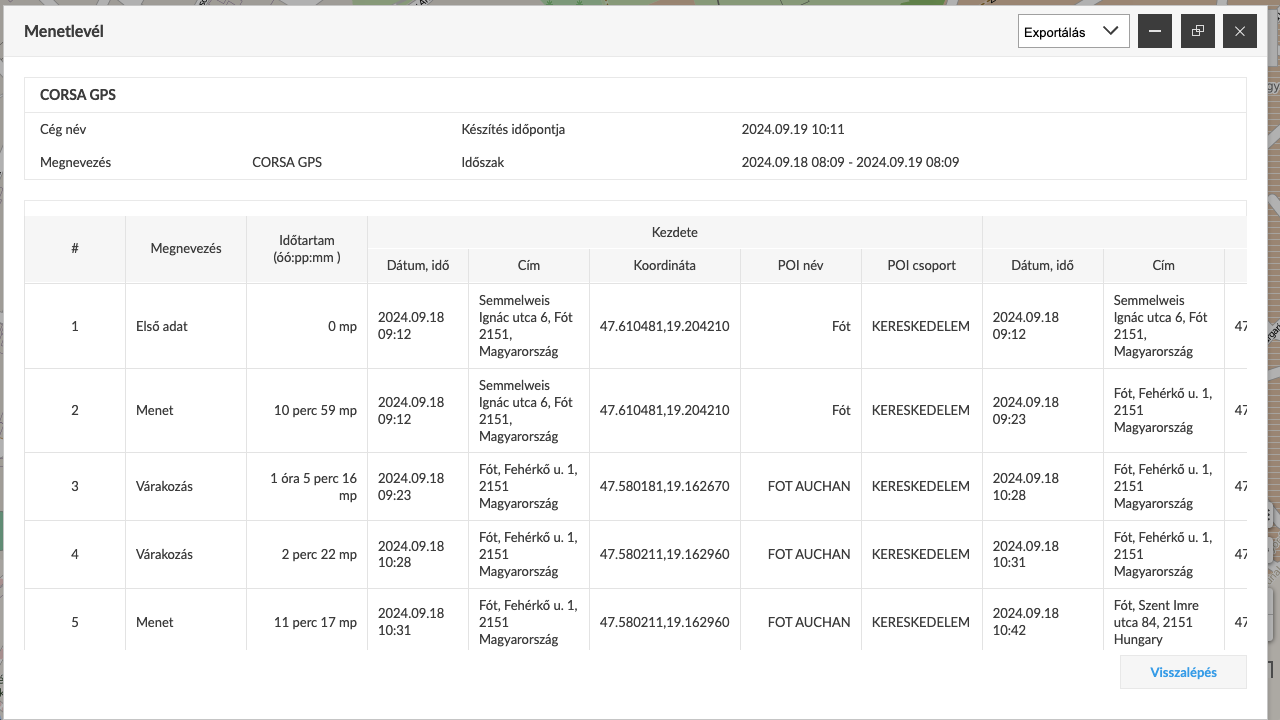
Besides the graphical map-based and directly related textual data, complex reports can be created using the Reports feature. A frequently used report, for example, when tracking vehicles, is the trip log.
- Managing POIs
Adding POIs
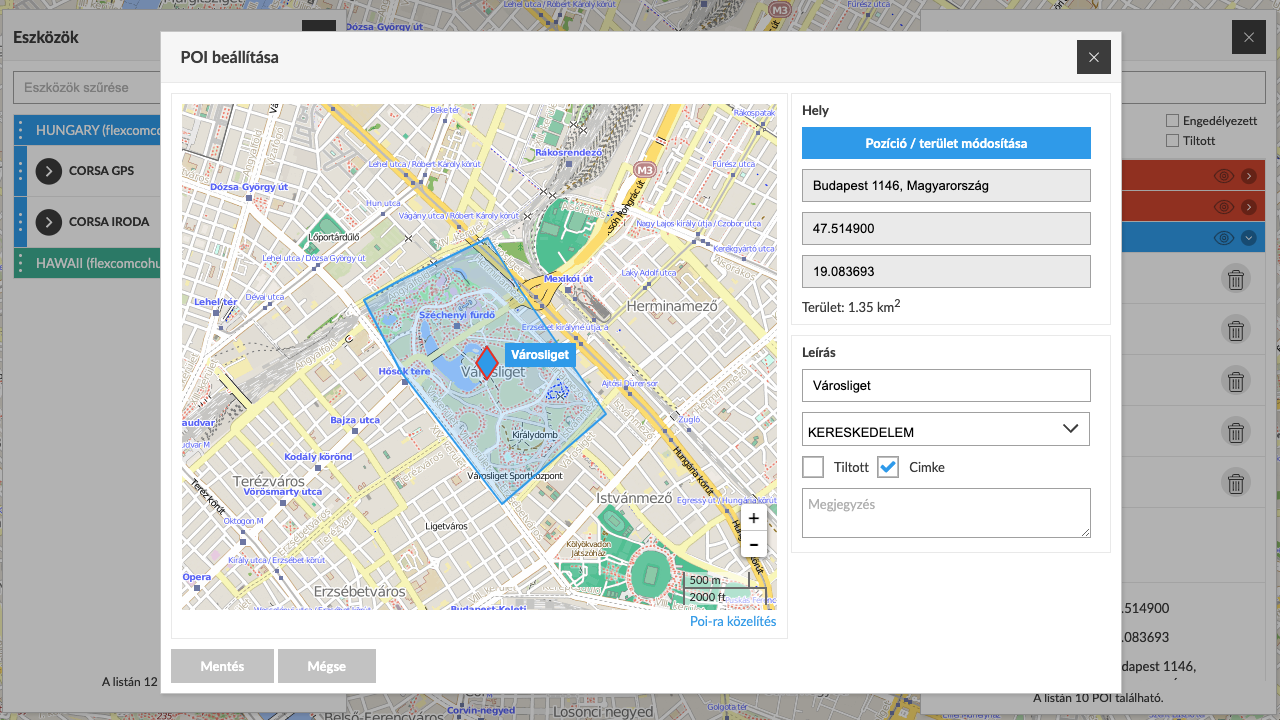
POIs (Points of Interest) are places of significance that we want to mark on the map. A POI can be a point (e.g., a gas station or store) or an area (e.g., a plot of land or field). Accordingly, point-based and area-based POIs can be added to the tracking system, and the extent of the latter can be drawn. Alerts (notifications) can be linked to the POIs for when a tracking device reaches or leaves them.
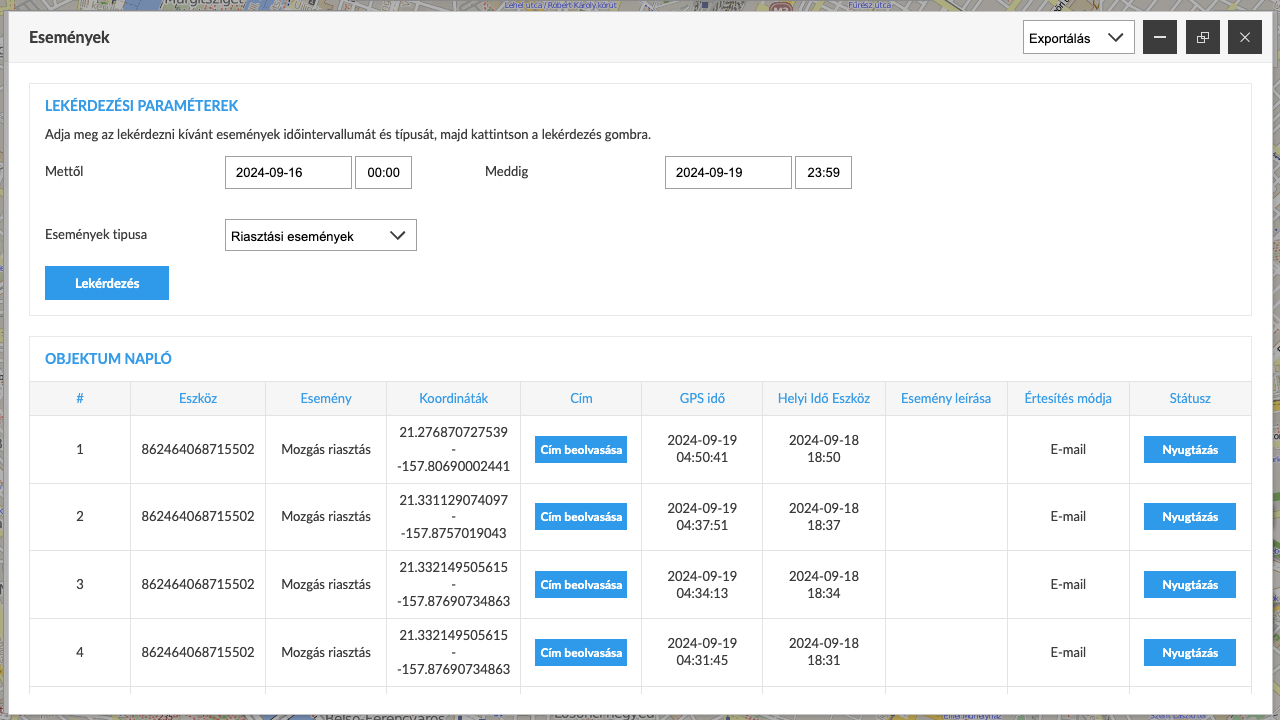
- Managing Events
Events and Their Registration. Using the Event Log.
Events are continuously occurring in the tracking system. Devices detect movement, stops, and physical impacts. The processing system analyzes the incoming data and determines related events, which are logged in the event log. The log can be viewed by clients and filtered or queried based on various criteria.
Similar products


Related products

Customer reviews
Product reviews
| 5 Stars | (0) | |
| 4 Stars | (0) | |
| 3 Stars | (0) | |
| 2 Stars | (0) | |
| 1 Stars | (0) |
Last viewed products


















Documents
Price Alert